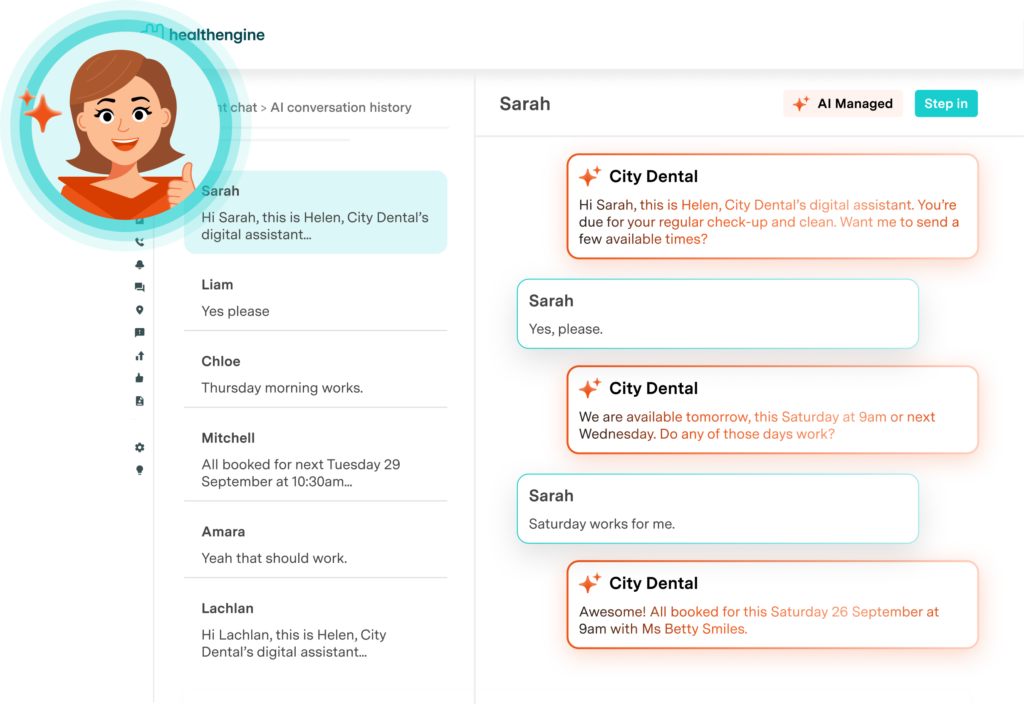
For medical practice managers, it can seem like there’s an endless list of things you’ll get to “when there’s time”.
Using AI can feel like one of those things: others are always telling you to look into it … but when? There’s never time. Even for the things that, if you could just get to them, would help your team in the long-run.
Maybe you’ve heard, for example, that Healthengine’s AI receptionist saved this GP clinic 75 hours’ worth of calls each week.
If you’re already aware of the potential gains for your practice — but can’t get past the level of setup AI receptionists require — this article is for you.
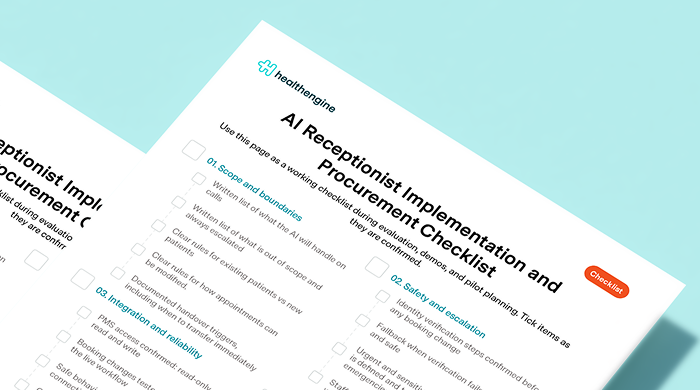
Download our free AI set-up checklist: made for practical use during demos and rollout.
How to set up an AI receptionist: An overview
- Define scope and boundaries for the AI receptionist
- Verify PMS integration and reliability
- Ensure data security and compliance
- Test safety and escalation measures
- Train reception staff on updated workflow
In broad terms, this is how to set up an AI receptionist.
Each “step” includes detailed actions to take during the implementation process. This article will help you understand what to consider at a top level — we’ve got a comprehensive free set-up checklist, available for download.
Get your full AI receptionist set-up checklist
1. Define scope and boundaries
Early on, decide what the AI will handle — and more importantly, what it won’t.
AI receptionists have a lot of potential benefits, but, like most AI products, these systems work best when they’ve given clear guardrails.
You wouldn’t ask ChatGPT to do your tax return: so don’t expect your AI receptionist to wrangle complex queries or provide medical triage.
If you’re looking to reduce time wasted on routine queries or simple booking changes, the right AI receptionist could have an impact. Define the specific needs of your practice and work backwards.
Different AI receptionists have different capabilities: start strong by choosing the right AI GP receptionist category.
2. Verify integration and reliability
For GPs, a practice management system (PMS) is the standard way of managing bookings and the day-to-day workings of a clinic.
AI receptionists are only as good as their ability to connect with your existing workflows: which means confirming PMS integration.
As part of setting up an AI receptionist, you should test how it interacts with your PMS, as well as understanding what happens when the connection fails.
If the PMS connection drops mid-call, what happens next? Test the connection between your PMS and AI receptionist.

Train your staff so they’re ready to support patients during the rollout period.
3. Ensure data security and compliance
This is the most important step in the AI receptionist set-up process, because it concerns the handling of patient data.
During the evaluation and pilot planning stages, practice managers should work off a documented data handling policy. Consider what level of access permissions the AI receptionist asks for; set controls for patient data handling and call logs.
Whichever AI receptionist you choose, make sure data privacy comes first.
4. Test safety and escalation measures
It’s all well and good to know what AI receptionists should handle — but does this hold up when tested?
During demos, make sure the AI receptionist escalates the appropriate calls to the front desk.
When certain triggers occur, there should be a documented set of steps for AI receptionists (like Helen) to follow.
AI receptionists can help reduce the number of routine, repetitive questions for your staff: leaving more time and energy for the matters requiring a human touch.
5. Train your reception staff
AI receptionists are one of those things worth introducing once, and introducing properly.
Especially in a busy medical practice where you can’t afford to have downtime.
To put your best foot forward, create an onboarding process for training staff and handling patient adjustments to the new system. Some AI receptionists come with nothing but an invoice and a “well, good luck!”.
Other AI receptionists, like Healthengine’s Helen, include personalised service during the rollout phase — and beyond.
Your Customer Success Manager will help you onboard staff and the AI receptionist in general, collaborating with you to set systems up in a way that works.
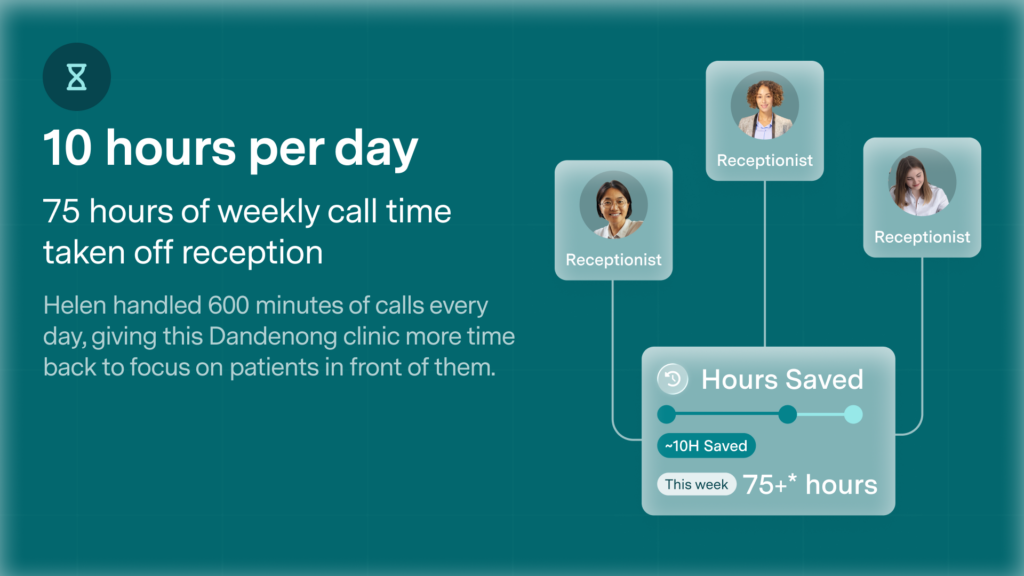
For one clinic, Healthengine’s AI receptionist saved the front desk team 75 hours of weekly call time.
Dr Amir Hanna at Grace Medical Care described Helen as “an essential day-to-day feature for any medical centre”.
“The AI receptionist is not only saving our reception team time,” he says, “but our bookings have also increased because fewer calls are slipping through the cracks. It has made scheduling smoother for both our team and our patients, and we are no longer stuck juggling calls while trying to help patients at the desk.”