Simplified and secure script management is now available in the Healthengine app, with no cost to patients or practices – ever.

Simplified and secure script management is now available in the Healthengine app, with no cost to patients or practices – ever.
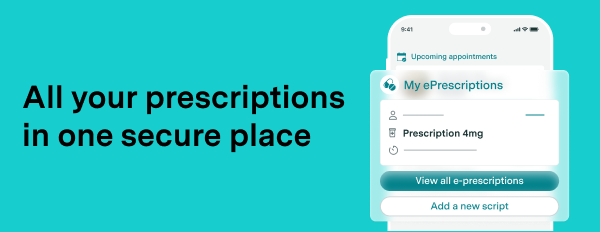
We’re thrilled to introduce a new feature designed to simplify healthcare management for your patients and keep their scripts, bookings and appointment details all in one place.
Following a rigorous testing process, Healthengine has been approved by the Australian Digital Health Agency as a conformant Electronic Prescribing app under government legislation. This enables us to offer integrated script management within our app, providing patients with a convenient way to handle prescriptions, appointments, and care team information—all in one place.
This new feature allows patients to manage their prescriptions alongside healthcare appointments, making it easier than ever to stay on top of their health. By centralising these tools, we’re creating a seamless experience for patients, reducing the risk of misplaced scripts and enhancing healthcare accessibility.
Patients now have the flexibility to manage their e-scripts through the Healthengine app, other approved apps, or their preferred browser, offering the best of both convenience and control.
With Healthengine’s new integrated approach, practices benefit from improved patient engagement and convenience. Here’s how this feature supports you and your patients:
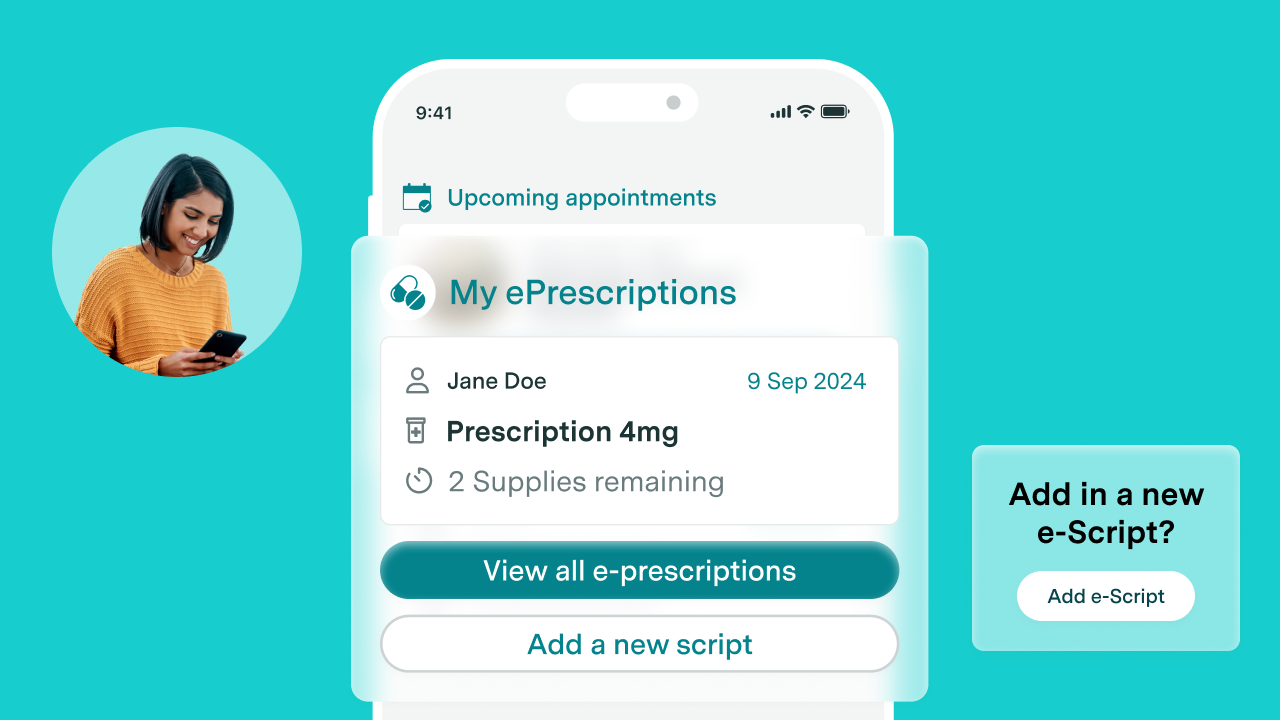
To enable this streamlined experience, the prescription exchanges (eRx Script Exchange Pty Ltd and Medication Knowledge Pty Ltd) have established direct links that allow patients to access their e-scripts directly via the Healthengine app or a web browser, depending on their device.
All prescription data is fully encrypted, ensuring only the patient, doctor and pharmacist can view it. Healthengine does not store, nor do we have the ability to ever view any personal or sensitive prescription information, maintaining patient privacy and security.
Let patients know they can follow these simple steps to store their e-scripts with Healthengine:
We’re excited about the convenience and flexibility this new feature brings to your patients. With Healthengine’s integrated approach, your practice can offer an improved patient experience, supporting both existing and new patients with secure, accessible healthcare management tools.
Pop your details in here and our team will be in touch. No obligation. No hard-sell. No-brainer.
Yes! Healthengine’s eScript option supports both electronic and paper scripts. Patients can scan the QR code on the paper script to track it within the app, while the physical paper script remains the legal document required for fulfilment. This feature will not interfere with your practice’s existing process.
Yes, they can! Patients can save their eScript token in multiple apps, use just one app, or even view it in their browser.
Patients are prompted throughout the booking journey to add practices to their My Care Team. Simply ask them to open the app, select Add your favourite provider, search for your practice, and tap the heart icon to add you to their My Care Team.
No, not every practice offers eScripts. To generate eScripts, a practice must participate through a third-party agency like the Electronic Scripts Exchange (eRx). This choice is made by each practice. Patients interested in eScripts should speak to their healthcare practitioner about available options.
No, using an app is not necessary. Patients can view their script directly in their browser, if preferred. Depending on device settings, they may need to press and hold the link (mobile) or right-click (desktop) in their SMS or email and select “Open in browser.” The pharmacist can scan the QR code from either the app or browser. The Healthengine app also provides patients with the option to open in their browser for simplicity.
If patients have adjusted their device’s text size, the “next” or “continue” button may be hidden. Healthengine is working on updates to ensure buttons are visible regardless of text size. In the meantime, if they’re stuck on a page without visible navigation buttons, they can try reducing their device’s text size.